KSI.UA - Online hypermarket for home, tools and backup power

Holosiivskyi Avenue, 100/2, office 43
Mon-Fri: 09:00 to 18:00
Discuss the Project
Nothing is impossible, the main thing is the desire, funding and professional staff
start in 2022
Avrora Self-Checkout Project Tasks- A self-checkout interface that lets shoppers complete the whole purchase on their own, from scanning to receipt.
- Integration with the in-store fiscal server, bank terminal and fiscal register.
- Fast search for items without a barcode — a separate Elasticsearch service.
- Promotions, coffee sales, Scan&Go and NPS surveys right on the kiosk.
- Centralized management of every kiosk in the chain with full interface versioning.
- A monitoring system that spots problem kiosks before a shopper does.
- Back-end
- PHP, Laravel
- MariaDB, Redis
- Elasticsearch
- Front-end
- Vue
- Touch UI 1920×1080
- Integrations
- In-store fiscal server
- Bank terminal, fiscal register
- Scan&Go
- Scale
- Several kiosks in every store of the chain
- A large volume of transactions every day
- MVP Start time: 500 hours (to the first real purchase)
- Ongoing support and new features since 2022
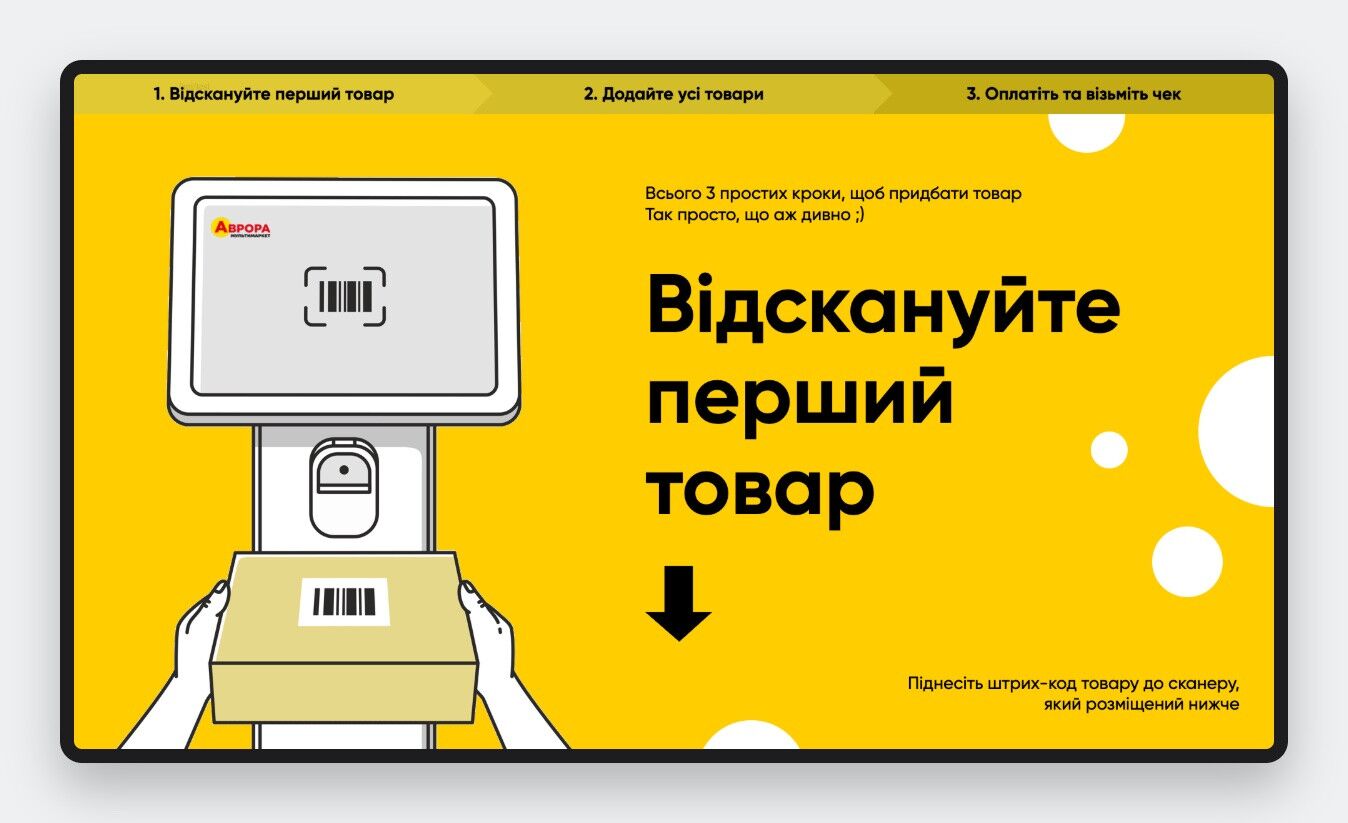
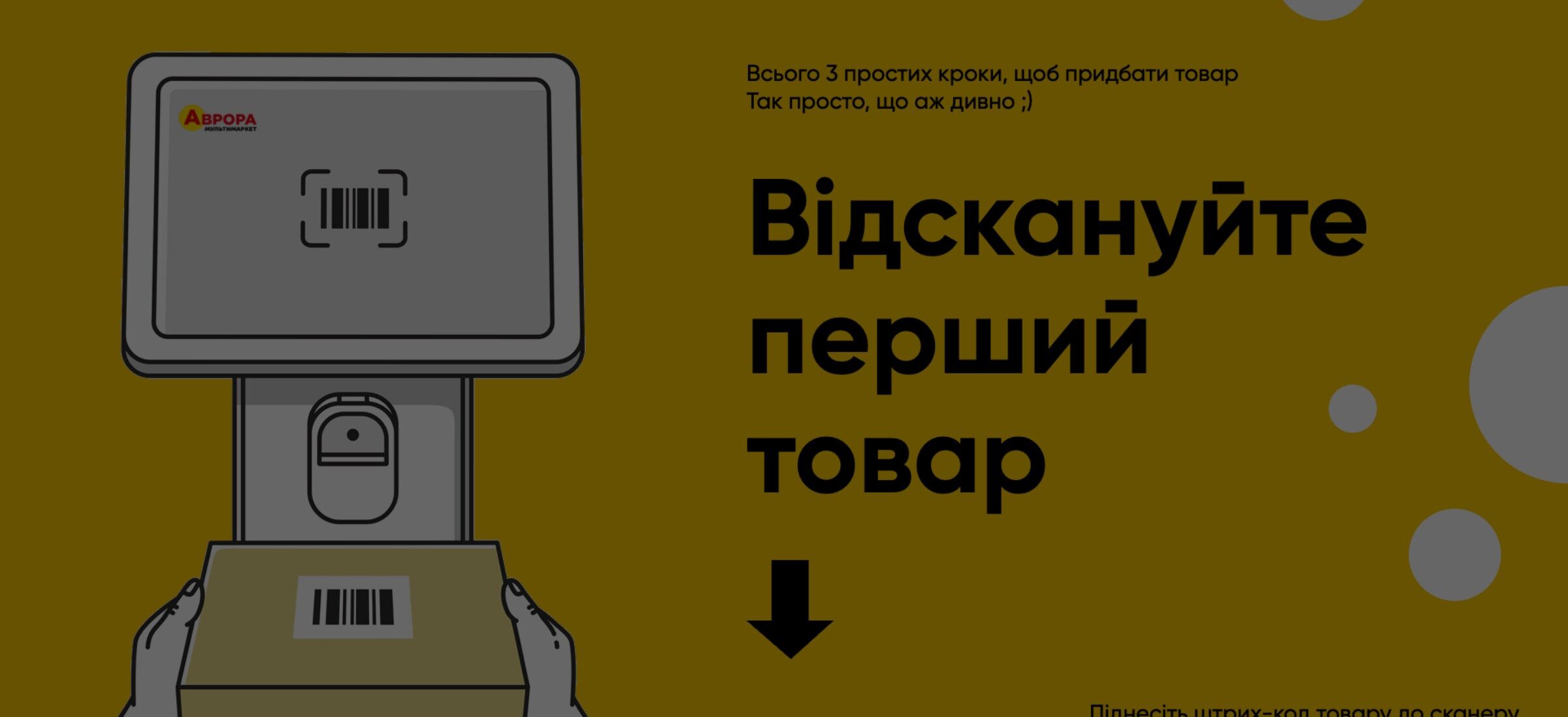
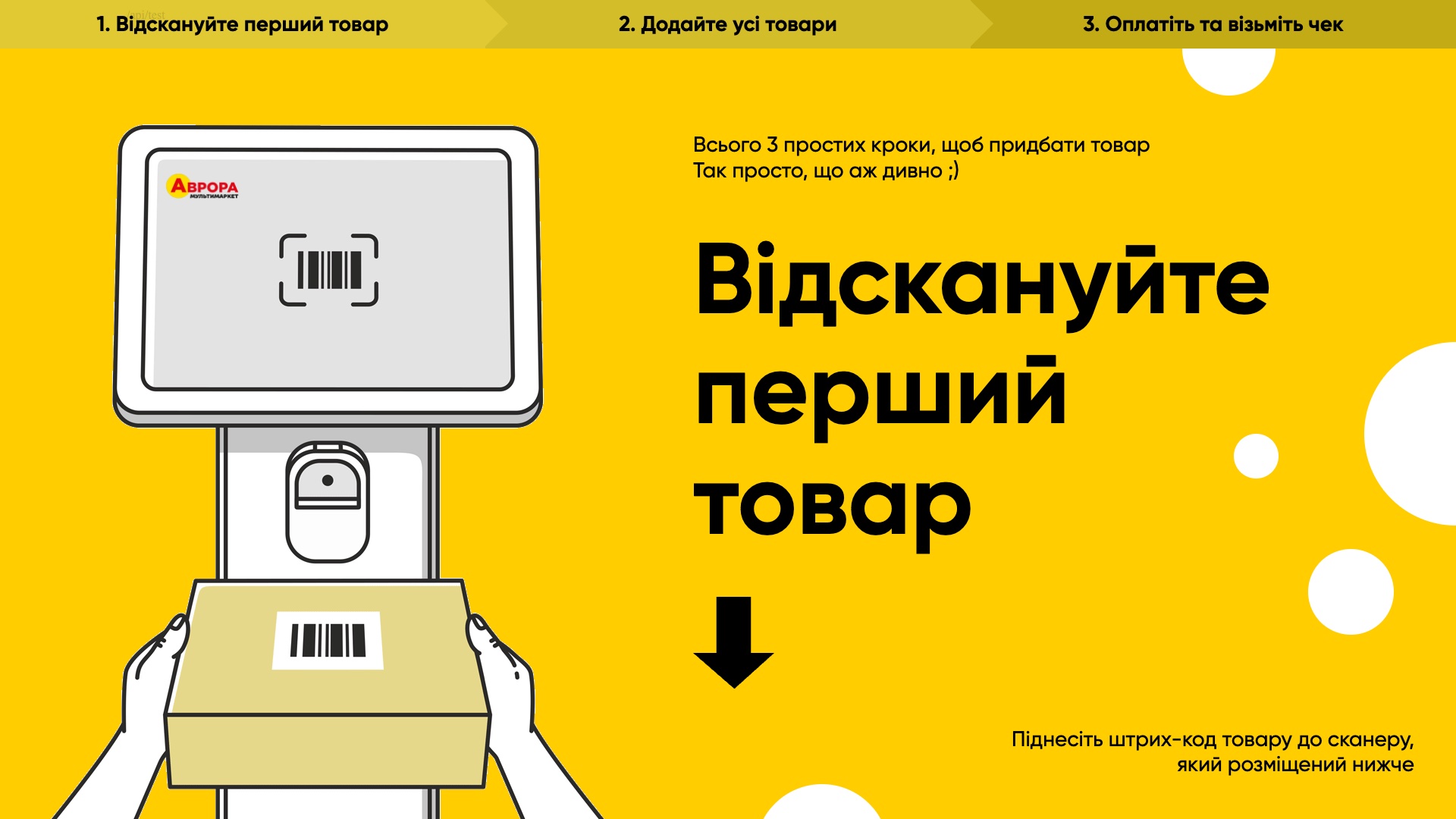
Three simple steps
Shoppers see right away what to do: scan, add everything, pay.
- Start screen with step-by-step hints.
- Voice prompts that can be configured even for each kiosk separately.
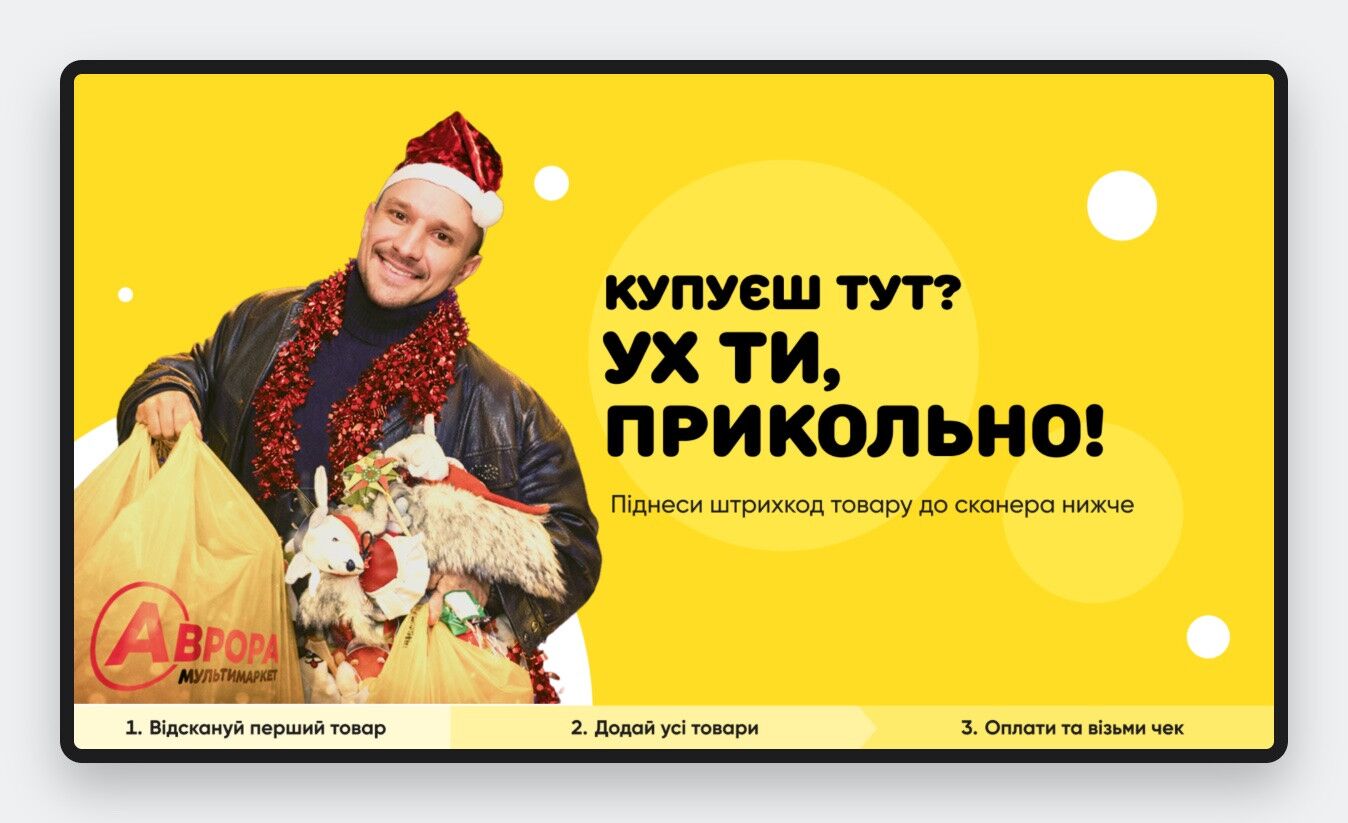
- Holiday animations and start screens for promotions and seasons, managed centrally.
- An "Are you still here?" timer resets the kiosk if a purchase is abandoned.
Personalized start screens
The start screen doubles as an advertising space in every store.
- Holiday and seasonal screens with animation.
- Each kiosk has its own rotating set of screens with a set display time, assigned per kiosk or in bulk to a group of kiosks.
- Sounds and voice prompts are configured the same way.
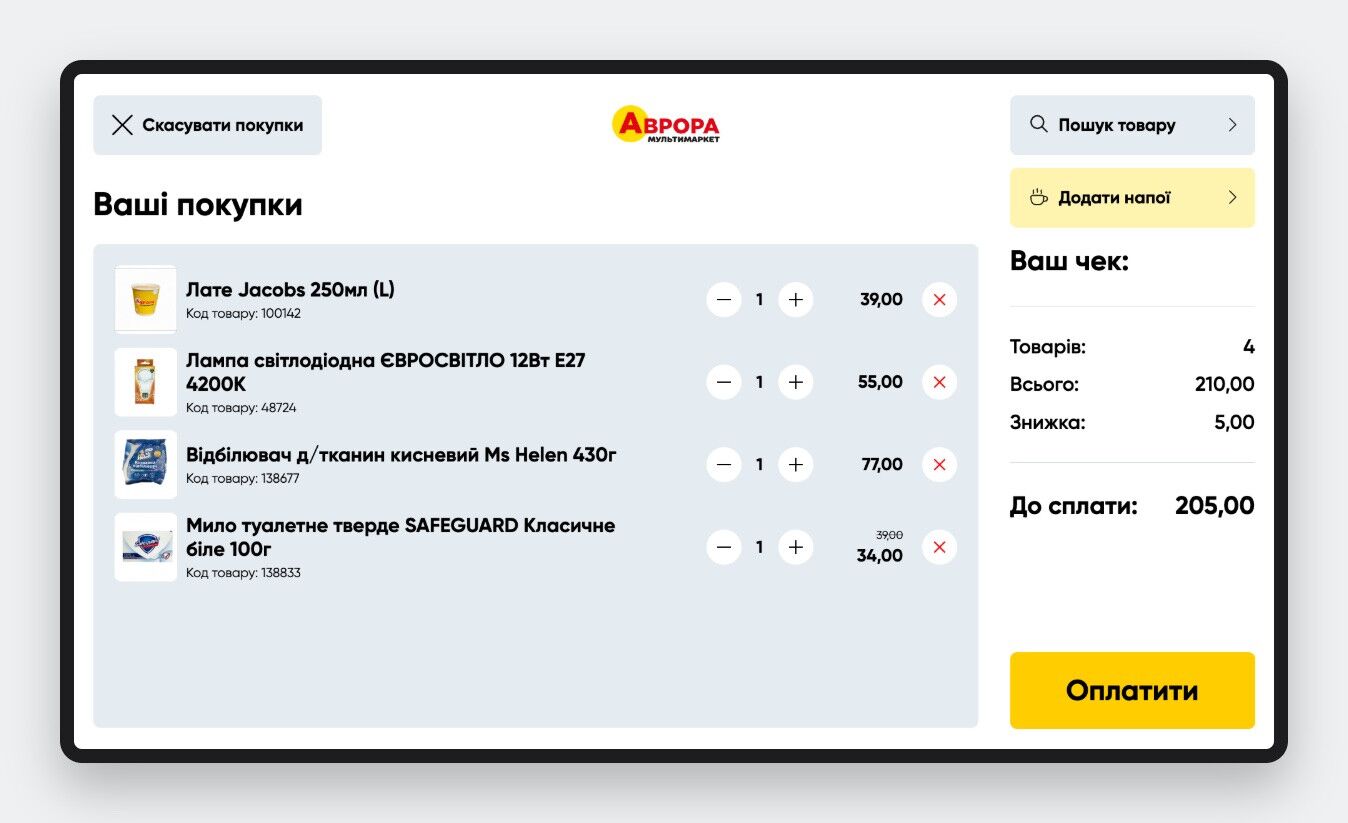
Cart and promotions
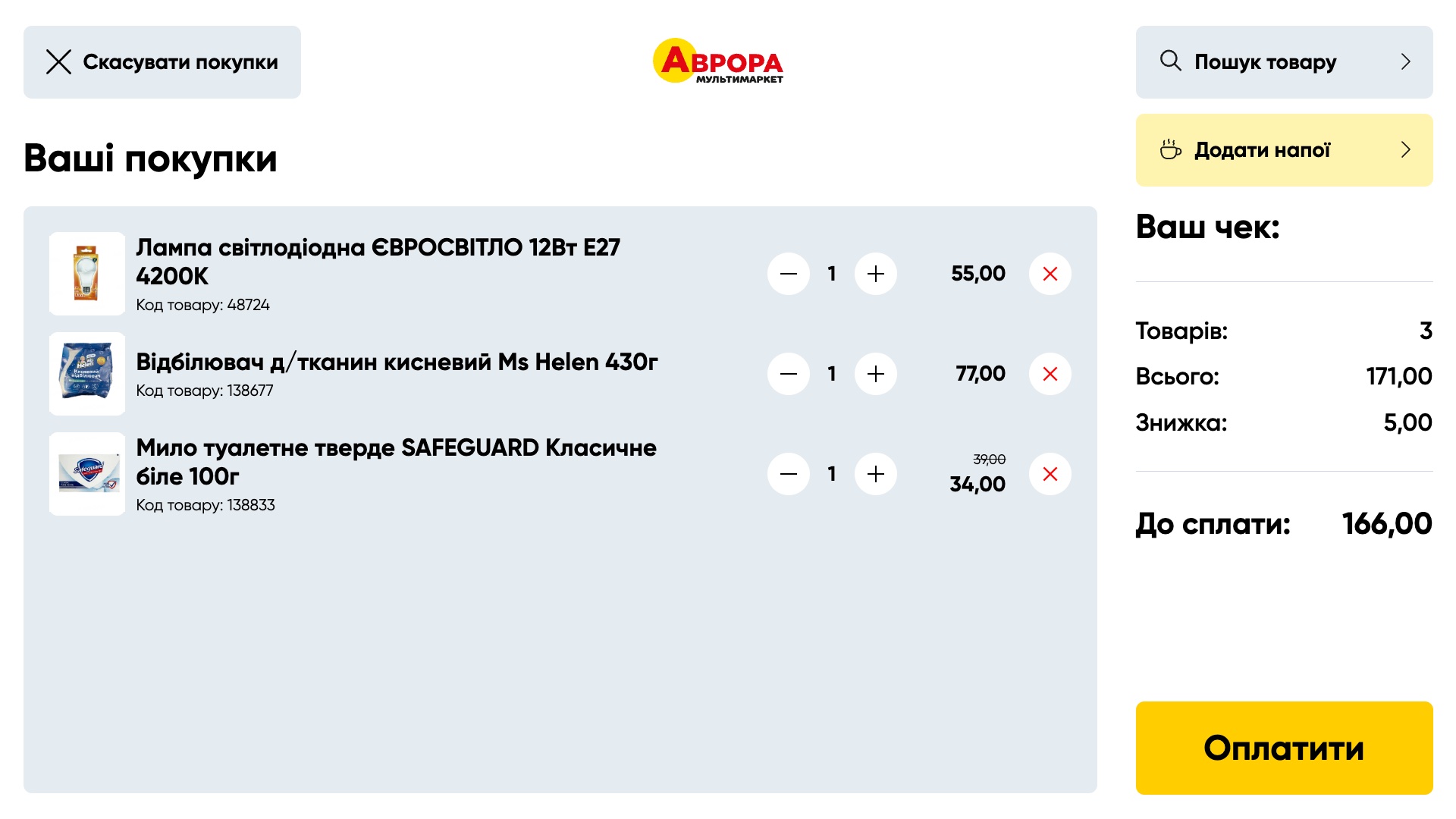
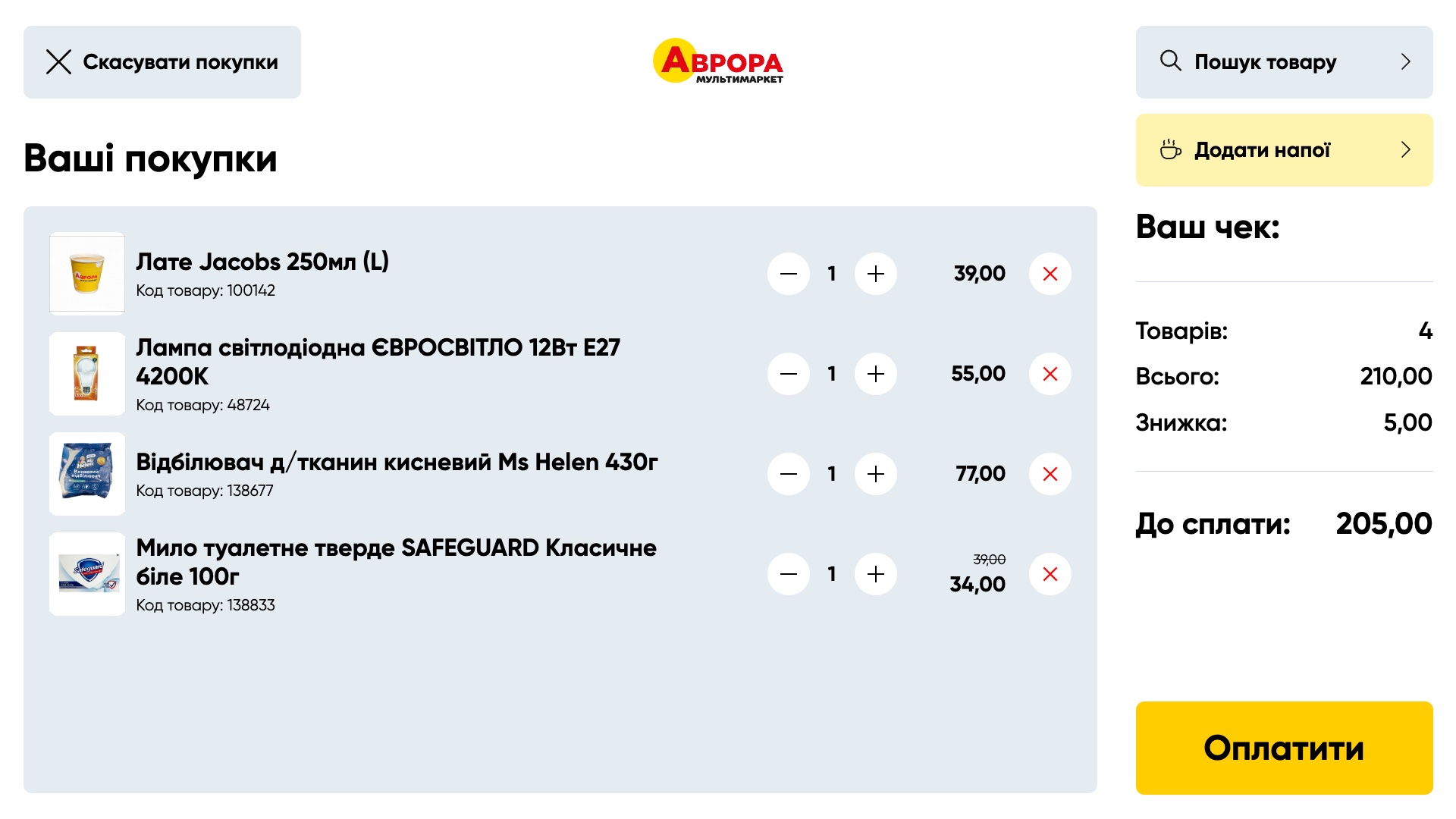
- Items are added by barcode; photo and price come from the store's own inventory system.
- Promo prices and discounts are shown on every line and in the receipt.
- Scan&Go: a basket built in the mobile app moves to the kiosk with a single scan.
- Quantity limits and a product stop list.
Search without a barcode
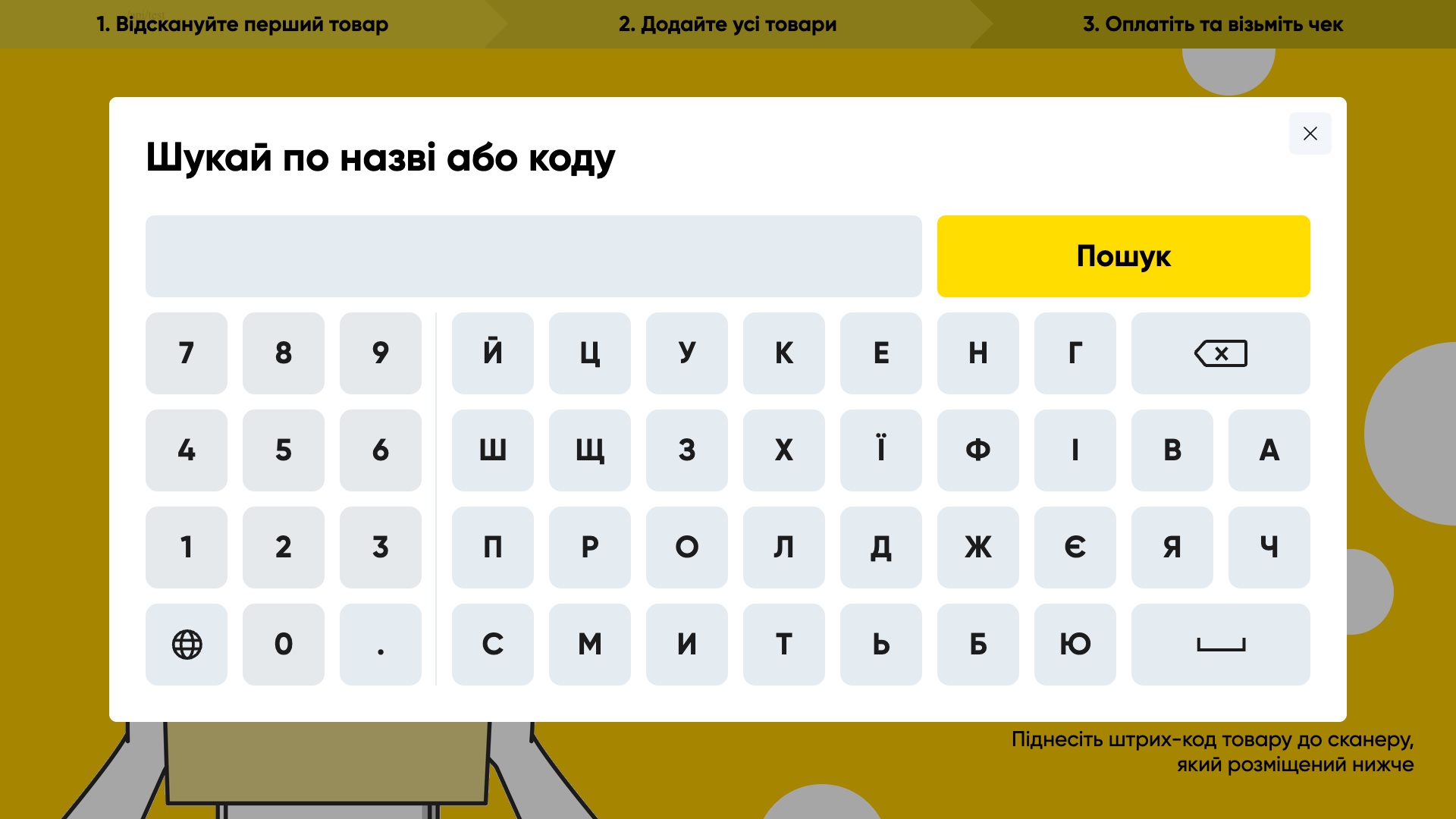
- Custom on-screen keyboard with digits, Ukrainian and English layouts.
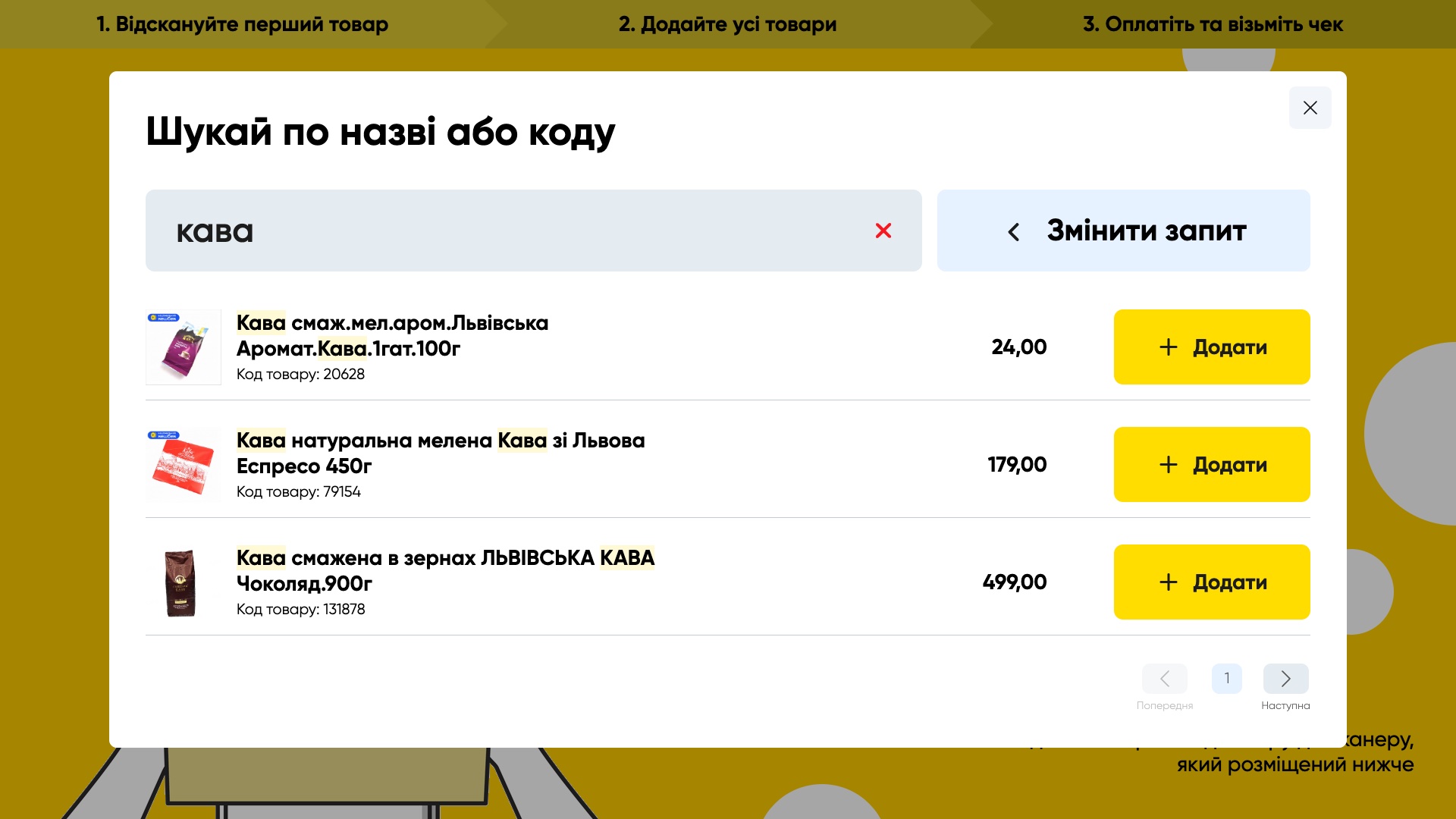
- Search by product name or code.
- Large buttons designed for a touch screen.
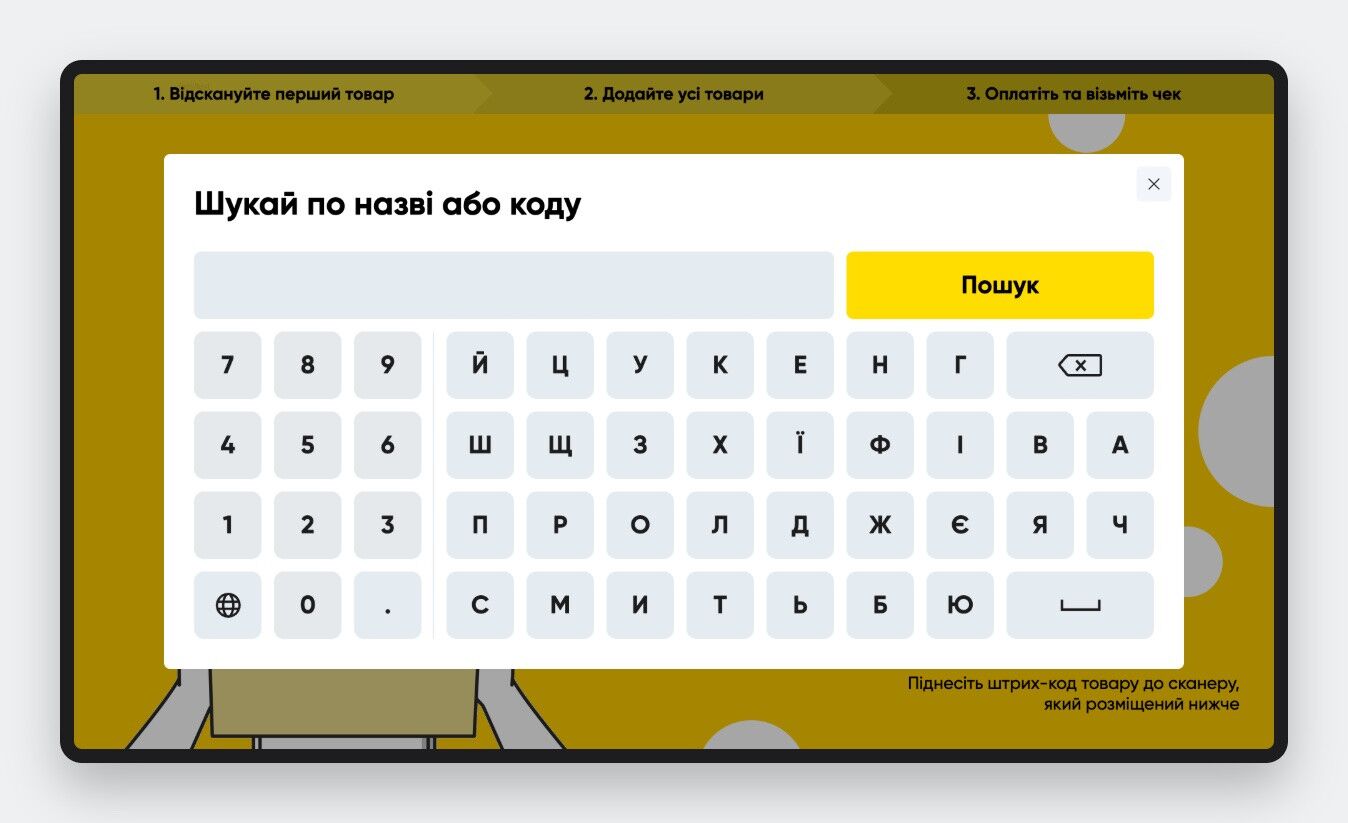
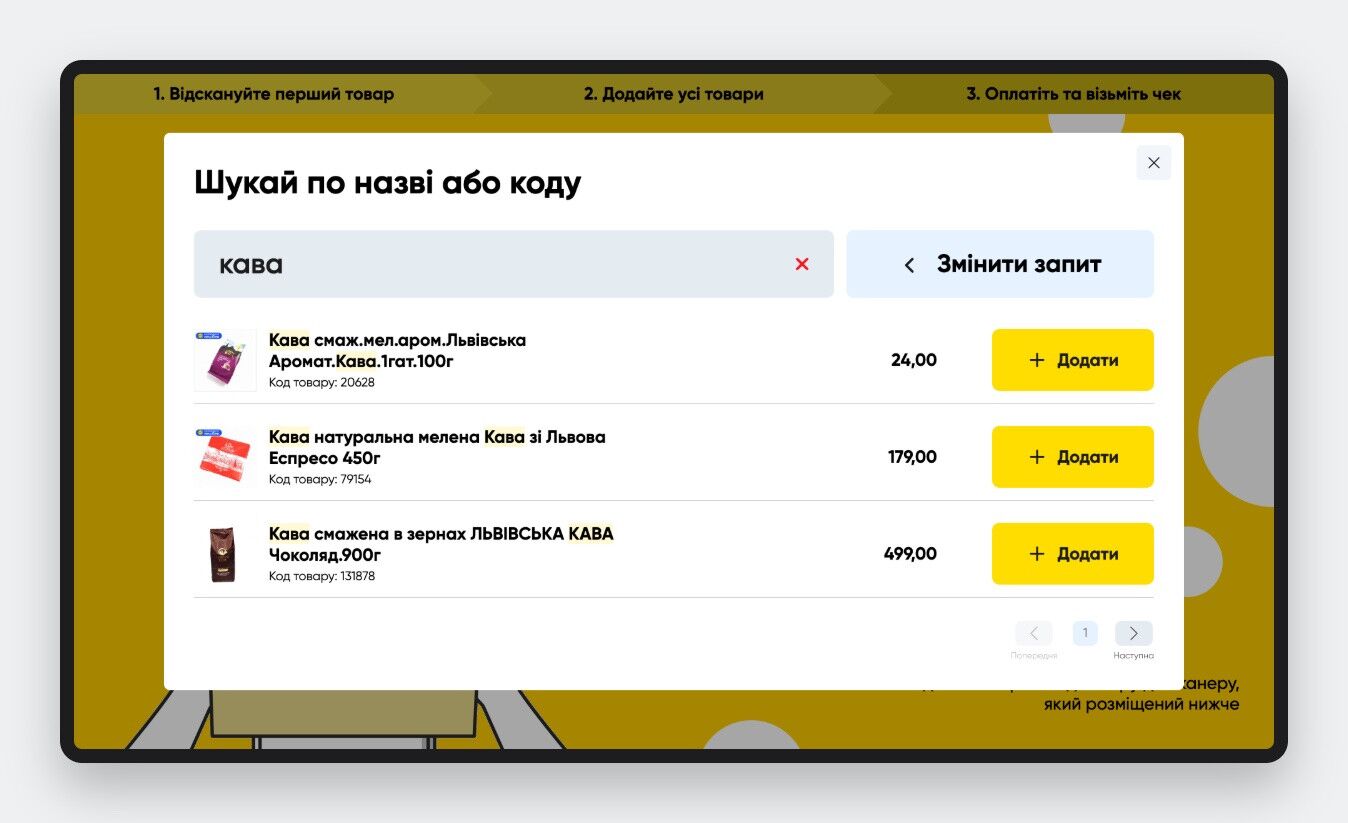
Dedicated search service
Search runs on a separate Elasticsearch service, so the kiosk stays fast.
- Search across the whole chain's range with highlighted matches.
- Prices and photos for the specific store come in one batch request.
- Paged results sized for the screen.
Coffee at the kiosk
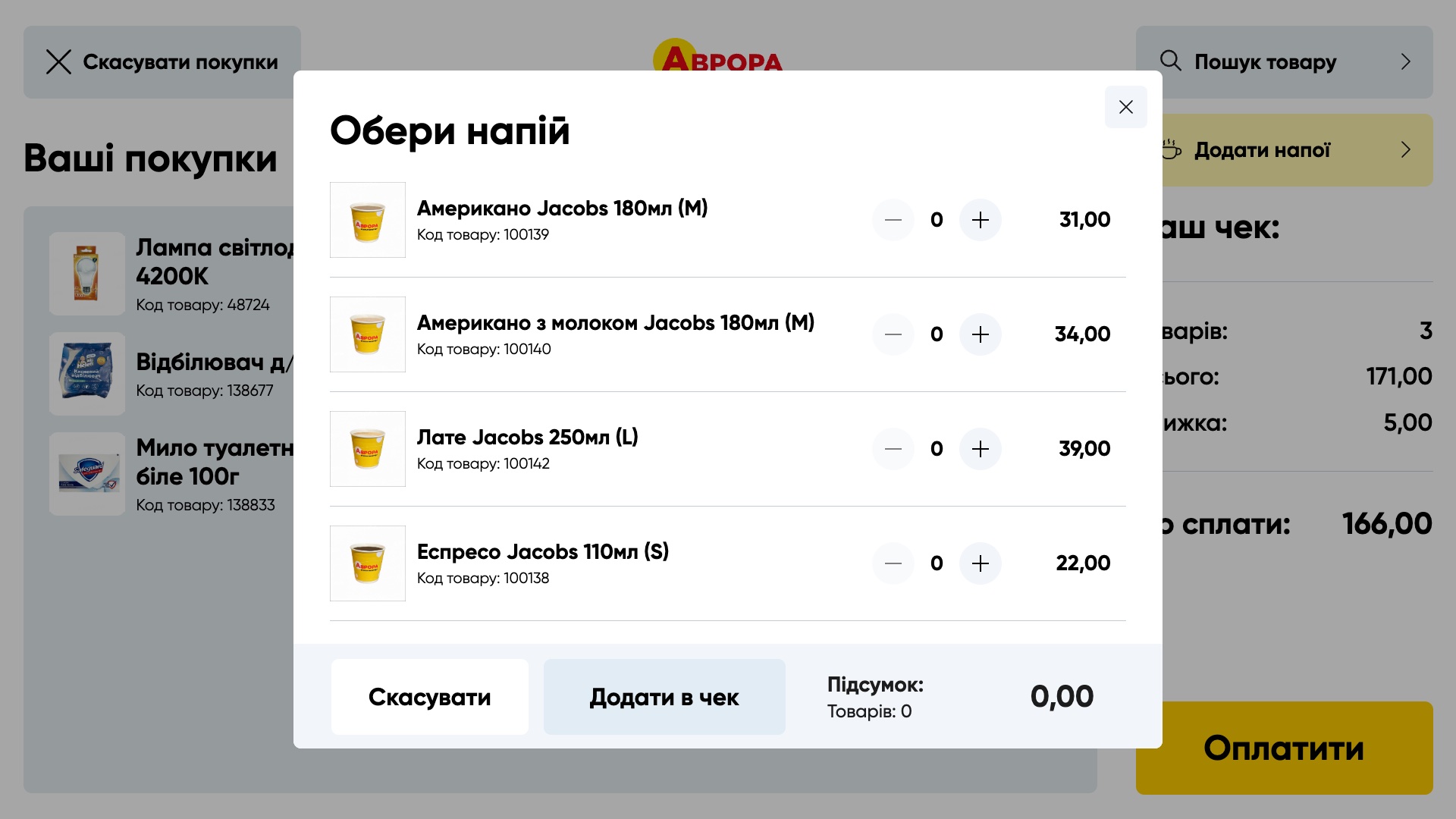
- Shoppers add a drink to the receipt without a cashier.
- Drinks and prices are managed from a central catalog.
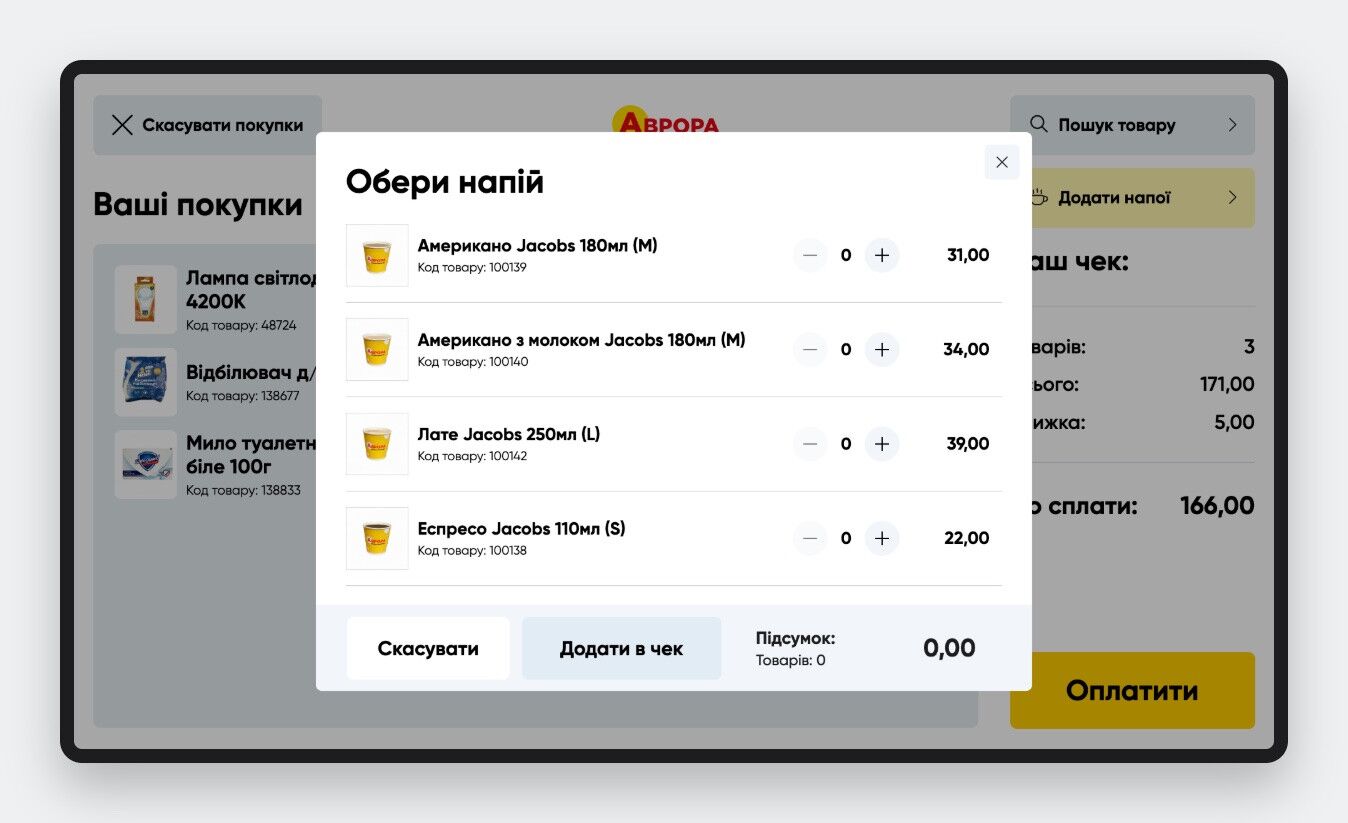
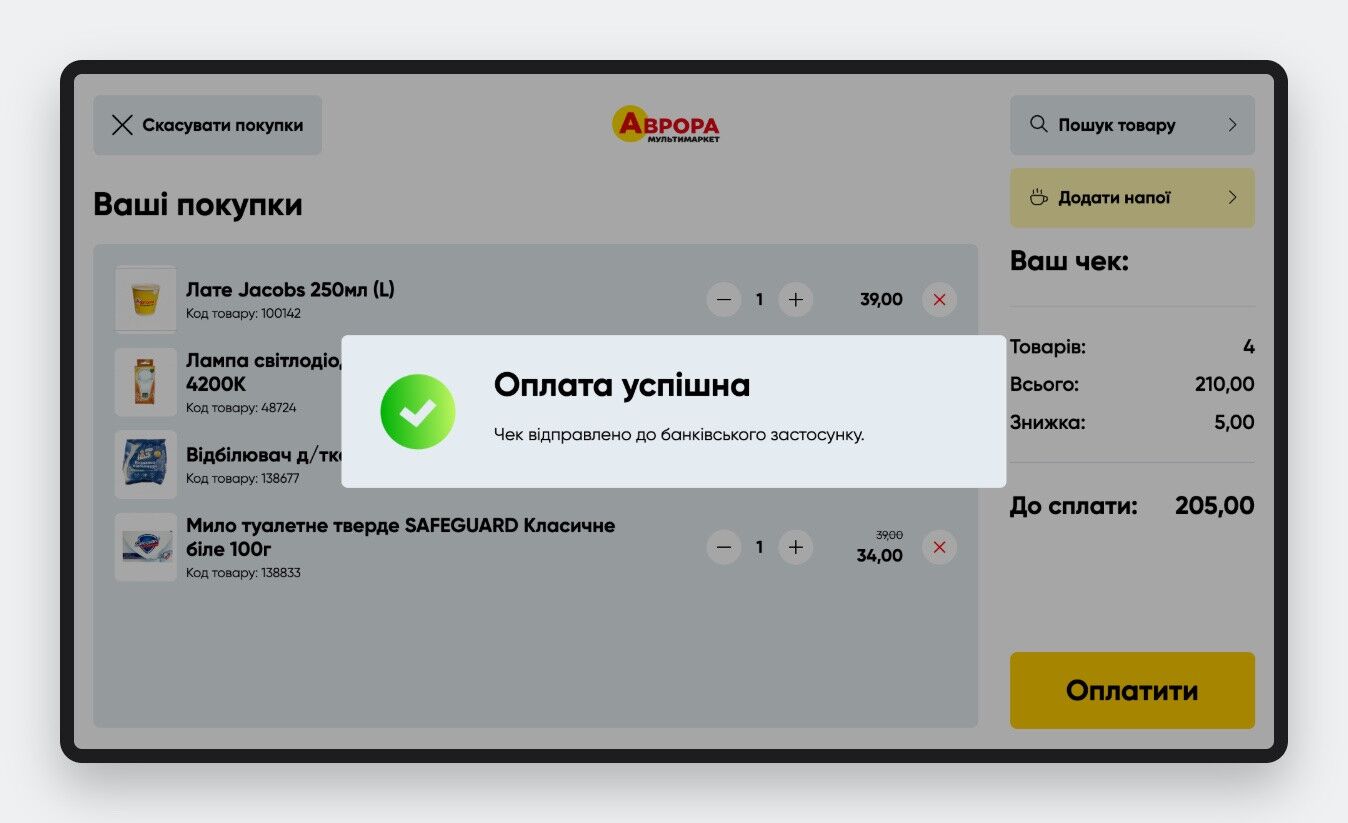
Payment and fiscal receipt
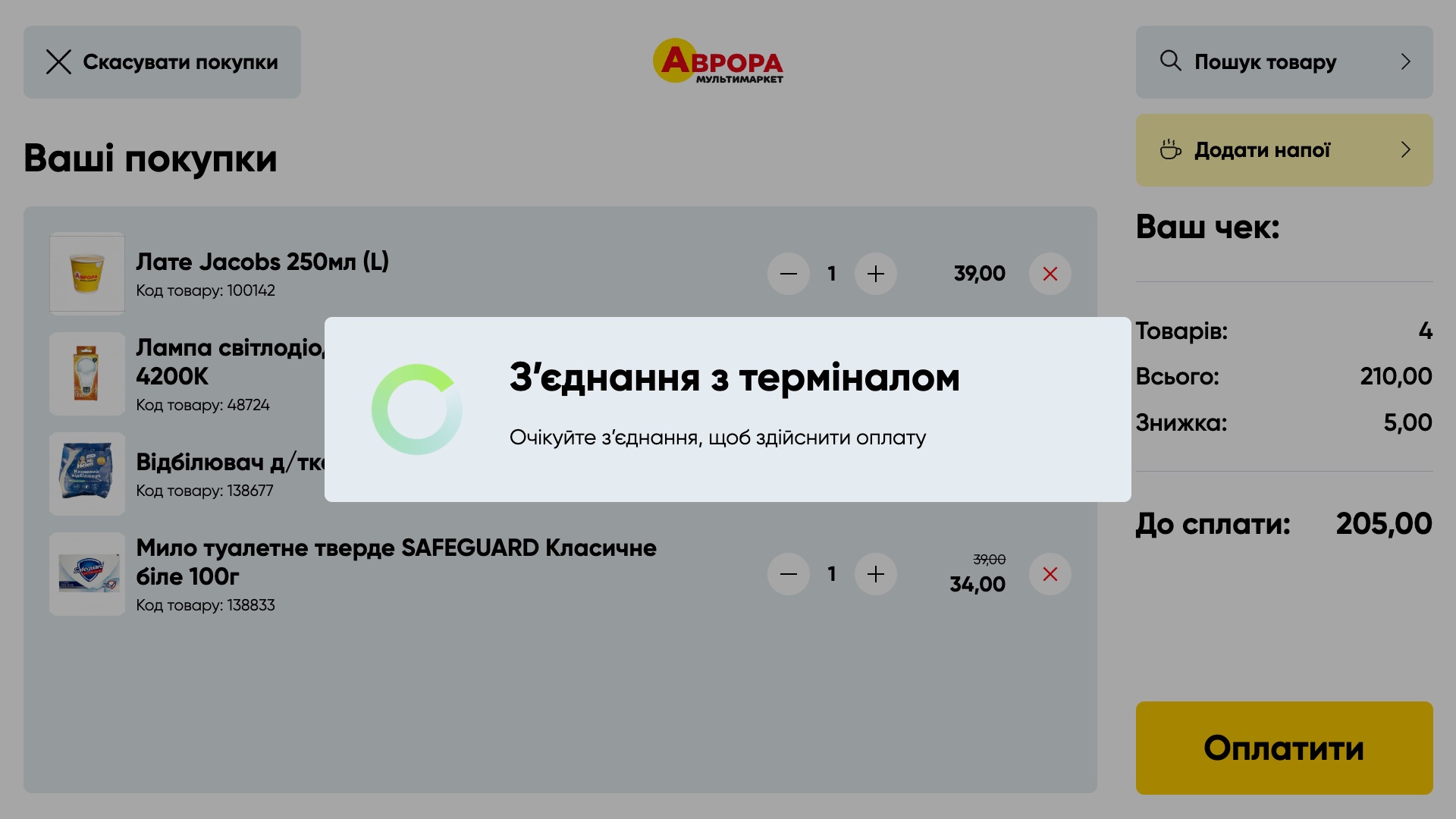
- Card payment through the bank terminal.
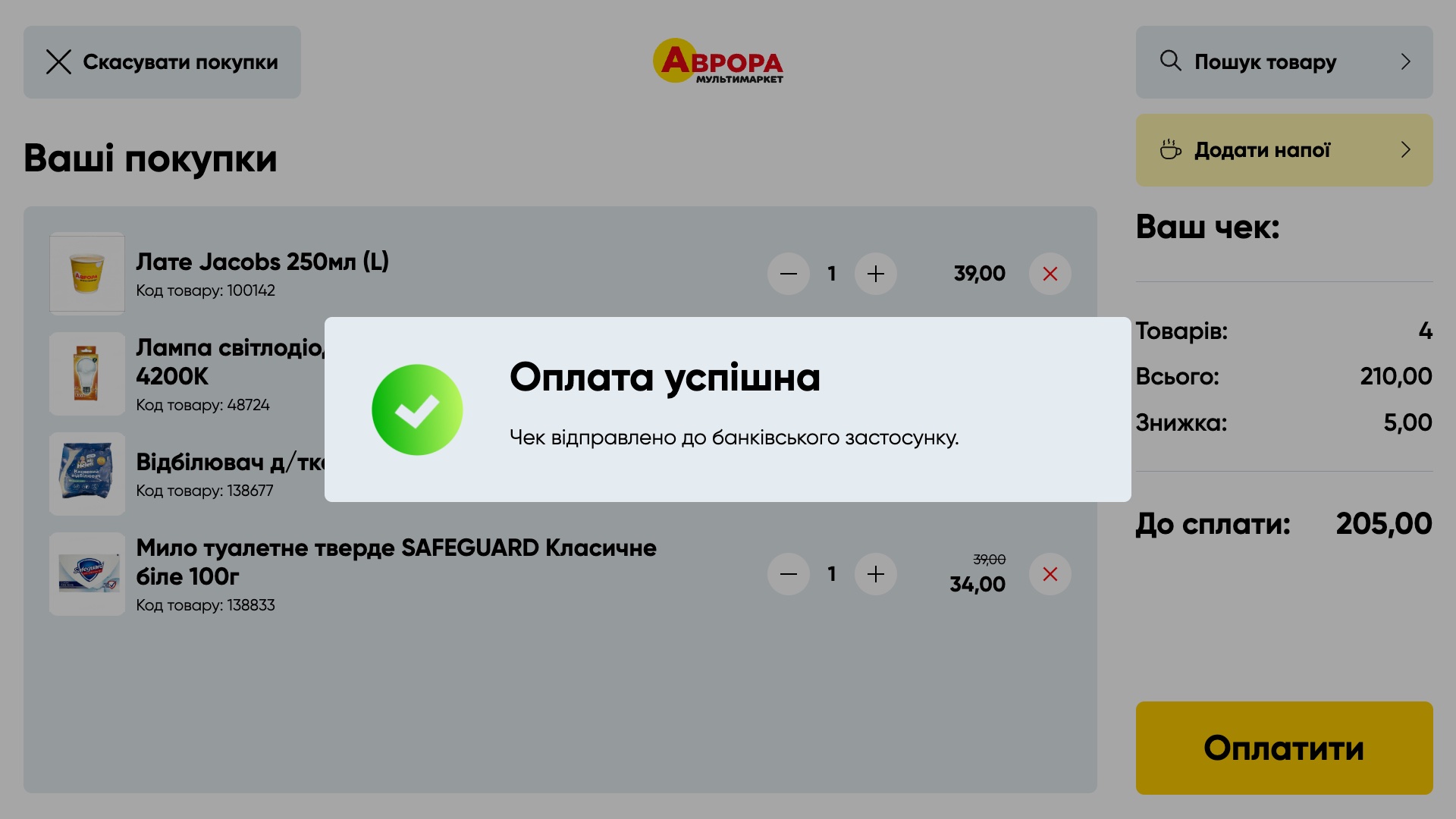
- Fiscalization via the store server and fiscal register; the receipt goes to the banking app.
- Handling of declined and retried payments.
- Automatic Z-report: 10 minutes before the store closes, the kiosk closes its shift on its own, waiting for any purchase in progress to finish.
- A short NPS survey after the purchase.
Kids' checkout
A separate interface version where kids can "shop" on their own, just like adults.
- Scanning items and a cart, as on a regular kiosk.
- No payment and no fiscal receipt.
- At the end — festive balloons and "Well done!".

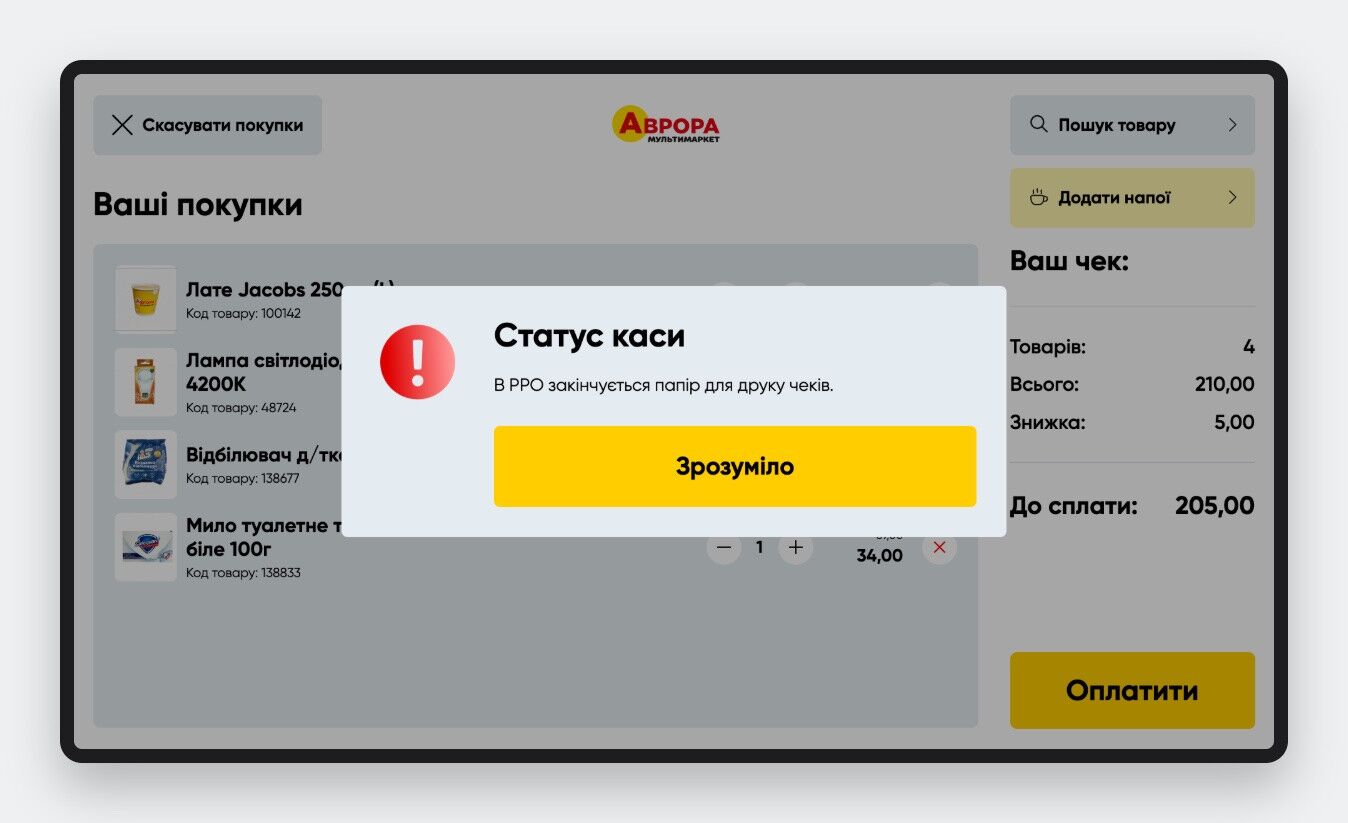
Kiosk monitoring
Each kiosk reports its own state, and the monitoring system in the admin panel shows where attention is needed.
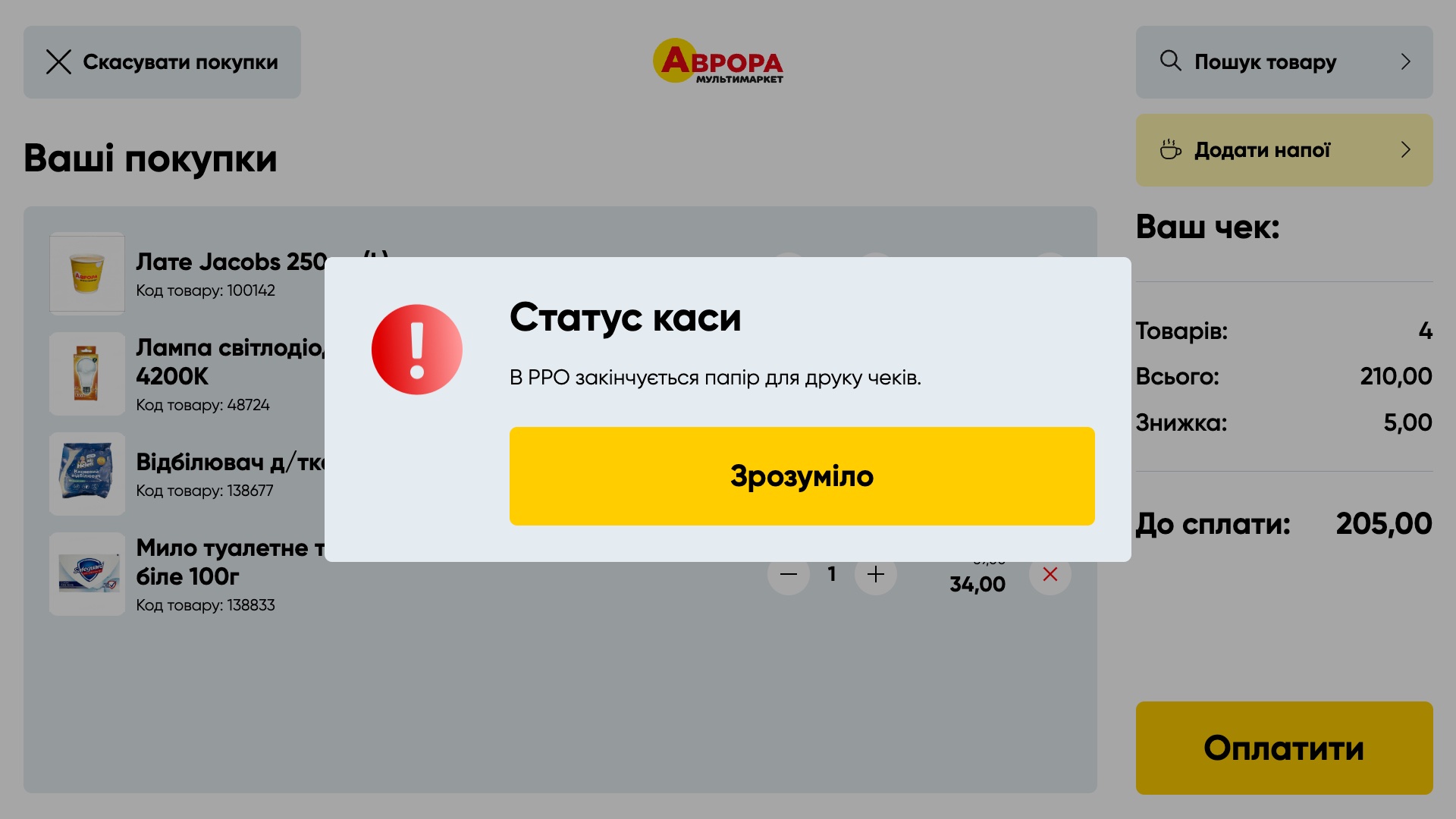
- Hardware warnings, e.g. when the fiscal register is running out of paper.
- "Worth checking": kiosks with errors in the last hour or without completed purchases.
- "Ghosts": kiosks that are on but not selling.
- Kiosks with repeating errors, maintenance mode with the lock initiator.
- Logs of hardware exchange, Scan&Go, interface errors and NPS results.
Centralized management and versioning
Every kiosk in the chain is managed from one admin panel.
- Kiosk registry: settings, store and features — per kiosk or in bulk.
- Full interface versioning: each version lives separately, kiosks move to a new one gradually and can roll back the same way.
- New features are switched on per kiosk to test them in a real store.
- Catalogs of promotions, product rules, sounds, drinks and start screens.
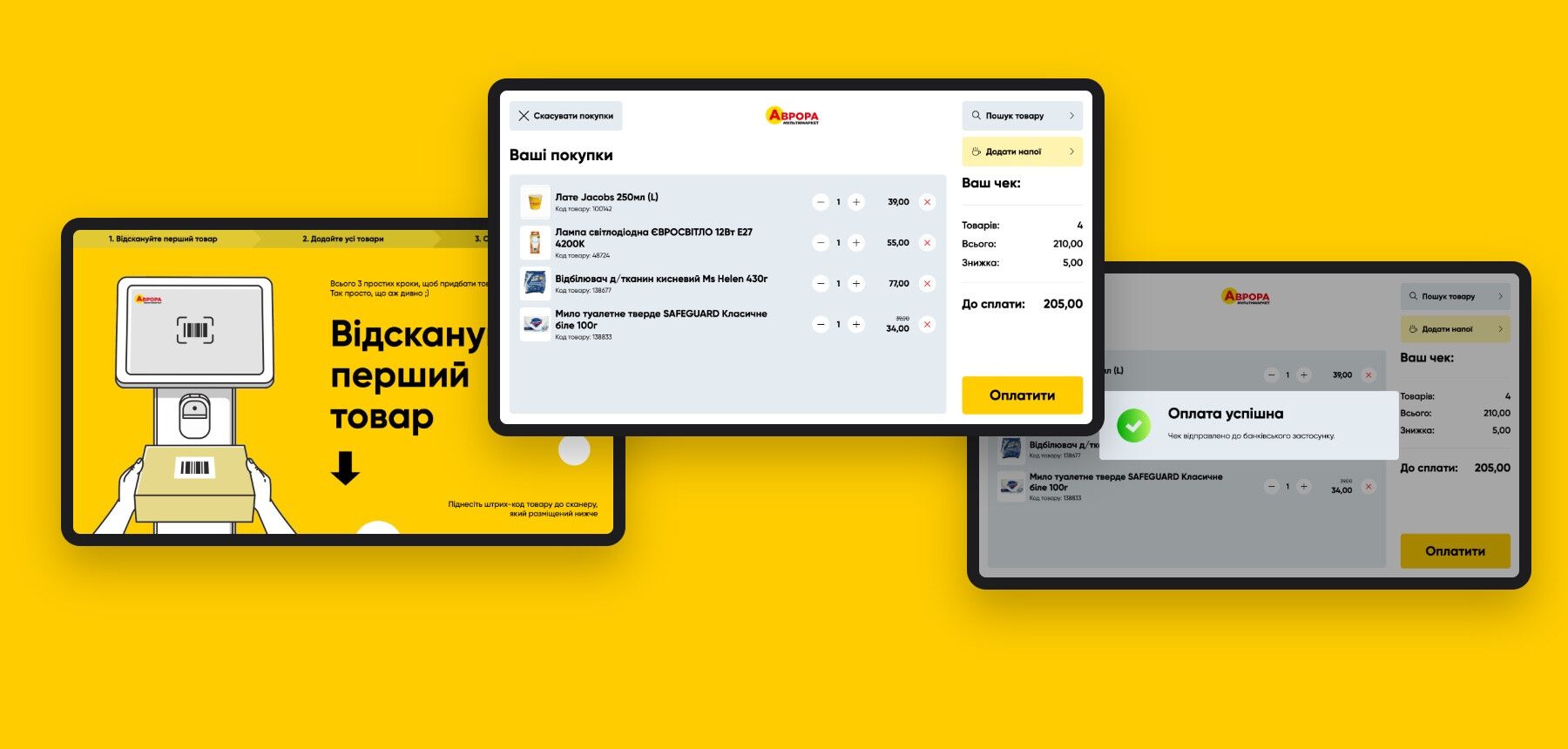
Design of all pages


Discuss a similar project?
Discuss the Project
Nothing is impossible, the main thing is the desire, funding and professional staff
Discuss a similar project?
Discuss a similar project?
{{ servicesForm.title }}